

Last month, I made some upgrades to the mobile version of the Gem State Chronicle. I made the top menu and search bar larger, added a bottom bar with buttons to the most important sections, and enabled notifications as well. I’ve been test driving it for a few weeks and it is now ready for prime time.
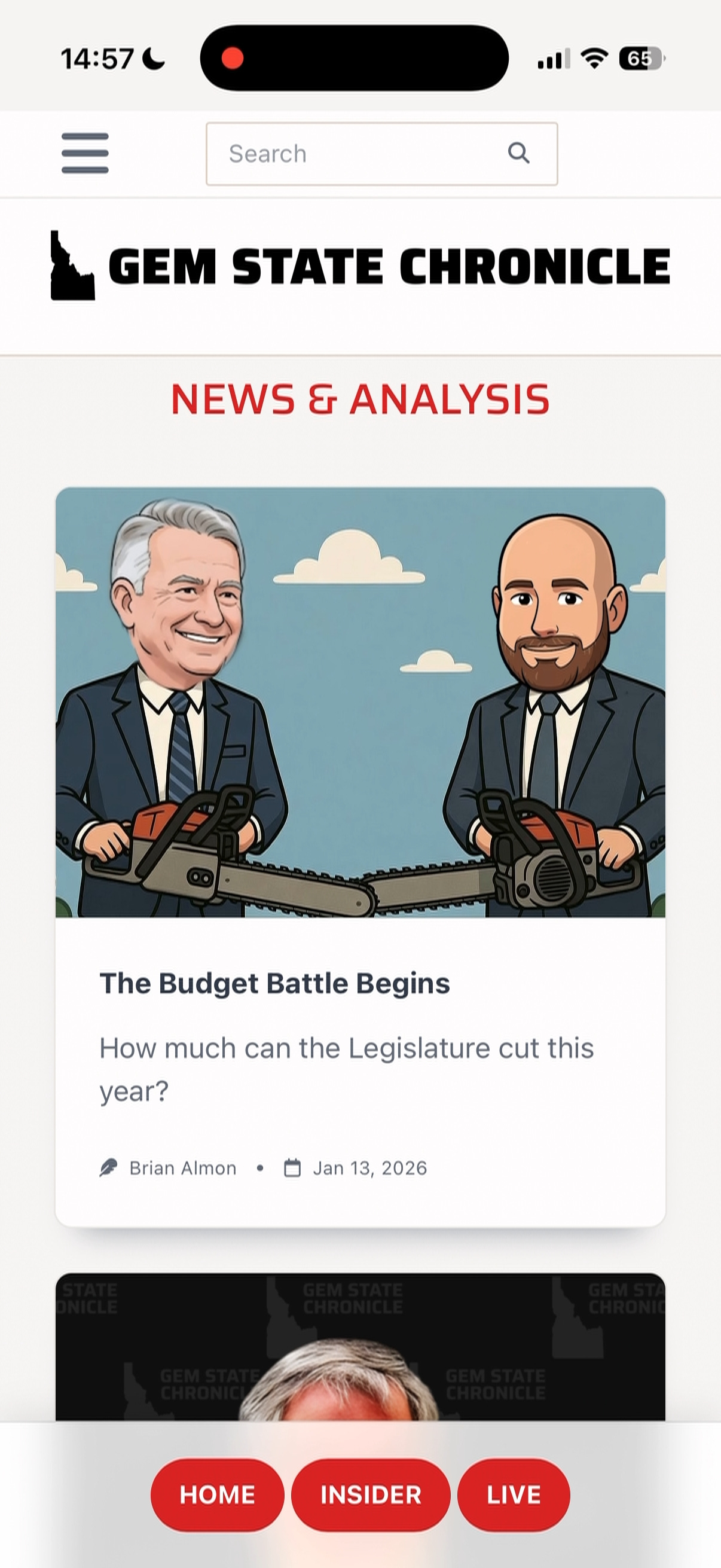
I recorded a short video this afternoon demonstrating how to add the Chronicle to your iPhone home screen and then enable notifications:
The steps to add it to your Android home screen should be similar.
Once added and enabled, you’ll be notified for each post, press release, and op-ed. I plan to eventually give you the ability to customize which notifications you receive. I also plan to eventually build full Apple and Android apps, but the web app gets us 80% there already.
The “Live” button takes you to a screen that has video feeds for each committee hearing room and legislative chamber. I’m using it to watch the JFAC feed right now, which is hosting the Economic Outlook and Revenue Assessment Committee as it tries to get a handle on what the economy will look like over the next to years.
The “Insider” button takes you to Idaho Insider, naturally. From there you can look up information about legislative districts and committees, as well as profiles for all 105 Idaho lawmakers. This is a great tool. Imagine you’re at a town hall or legislative hearing and want to look up information about the senator or representative who is speaking. Now you have it at your fingertips. You can even send them emails from the very same screen.
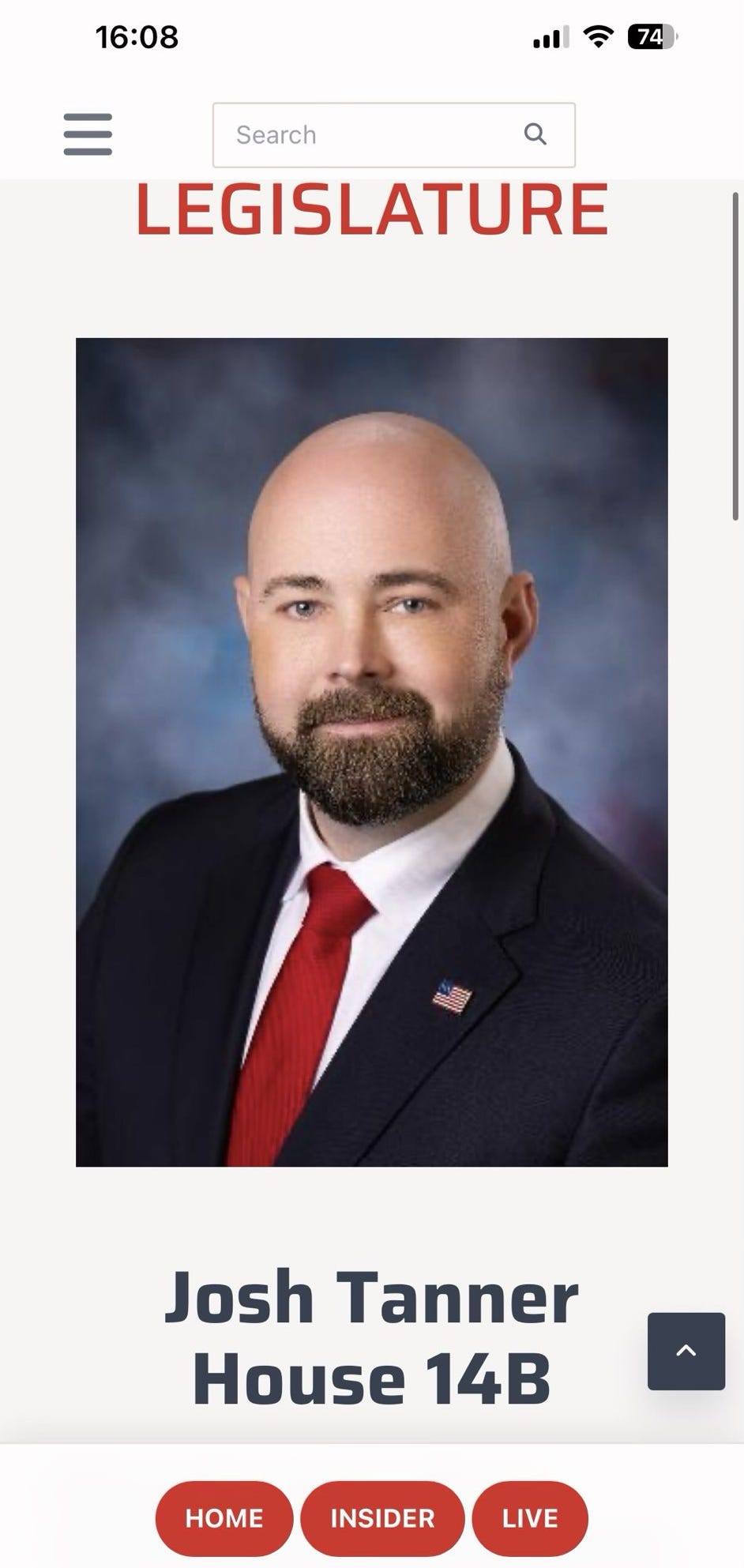
Beyond that, the Gem State Chronicle web app has everything else that you’ve come to expect from the platform. I invite you to install it today. Let me know if you have any questions or feedback.
I’ll be back tomorrow with more coverage of the 2026 legislative session.
Feature image created with Microsoft Copilot.
Well done, Sir!